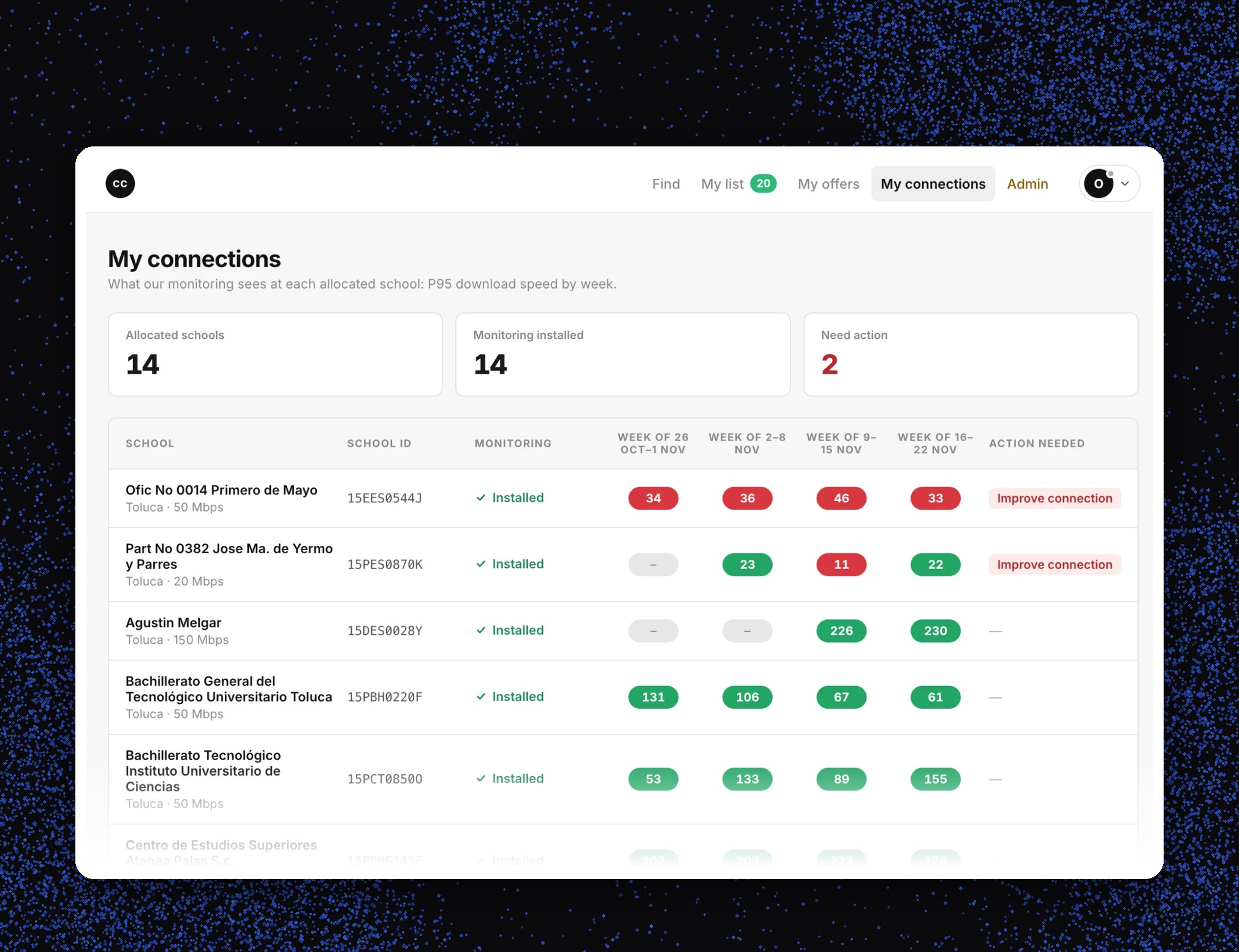
Your incentives run on proof.
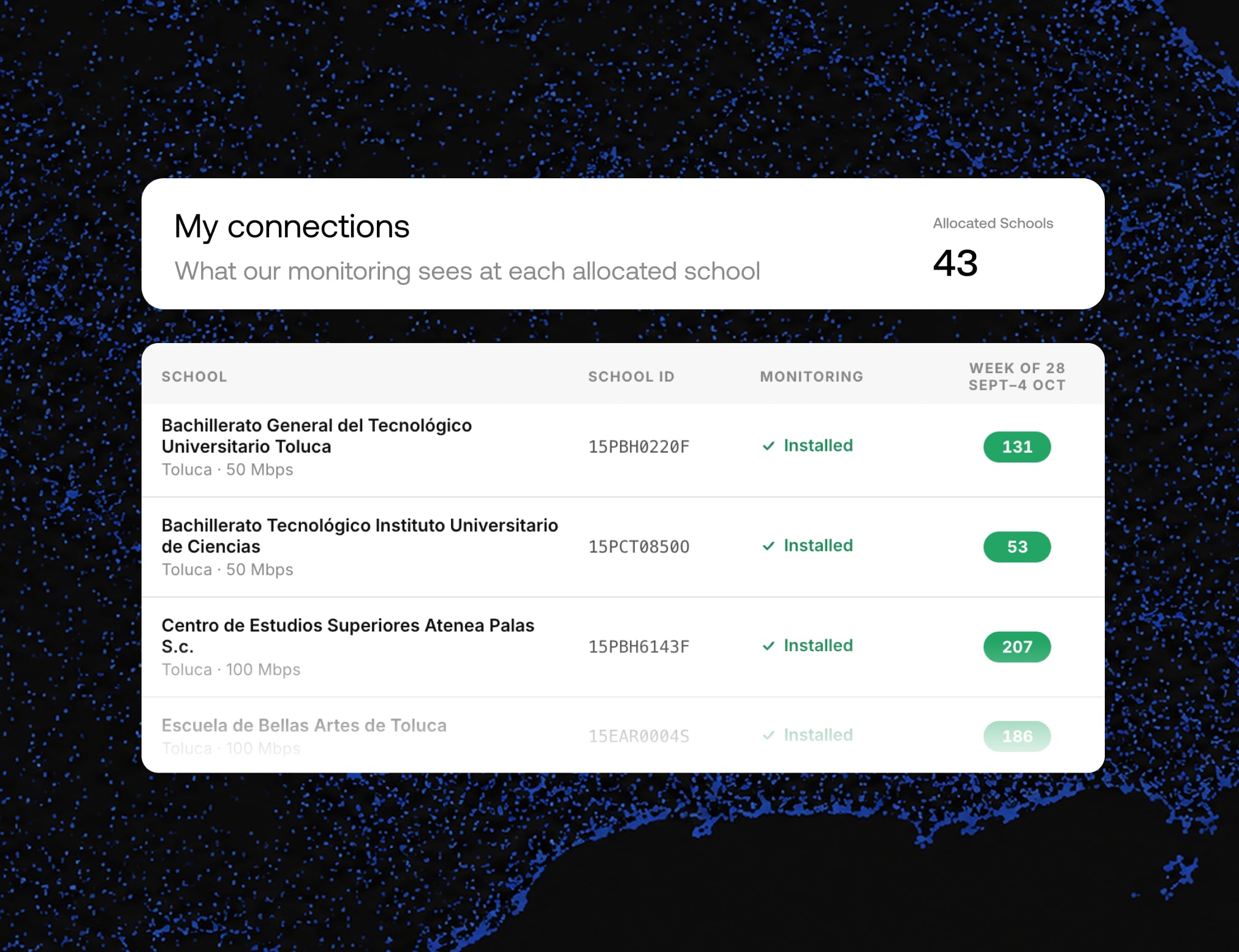
- Telemetry shows each institution has a quality connection, automatically.
- The data determines your payments and your backhaul discount.
- Each institution's results are published openly on Giga Maps.
- Each day of quality connection is a 'Credit' - a digital certificate of impact which is exchanged with incentive providers.
What counts as a quality connection.
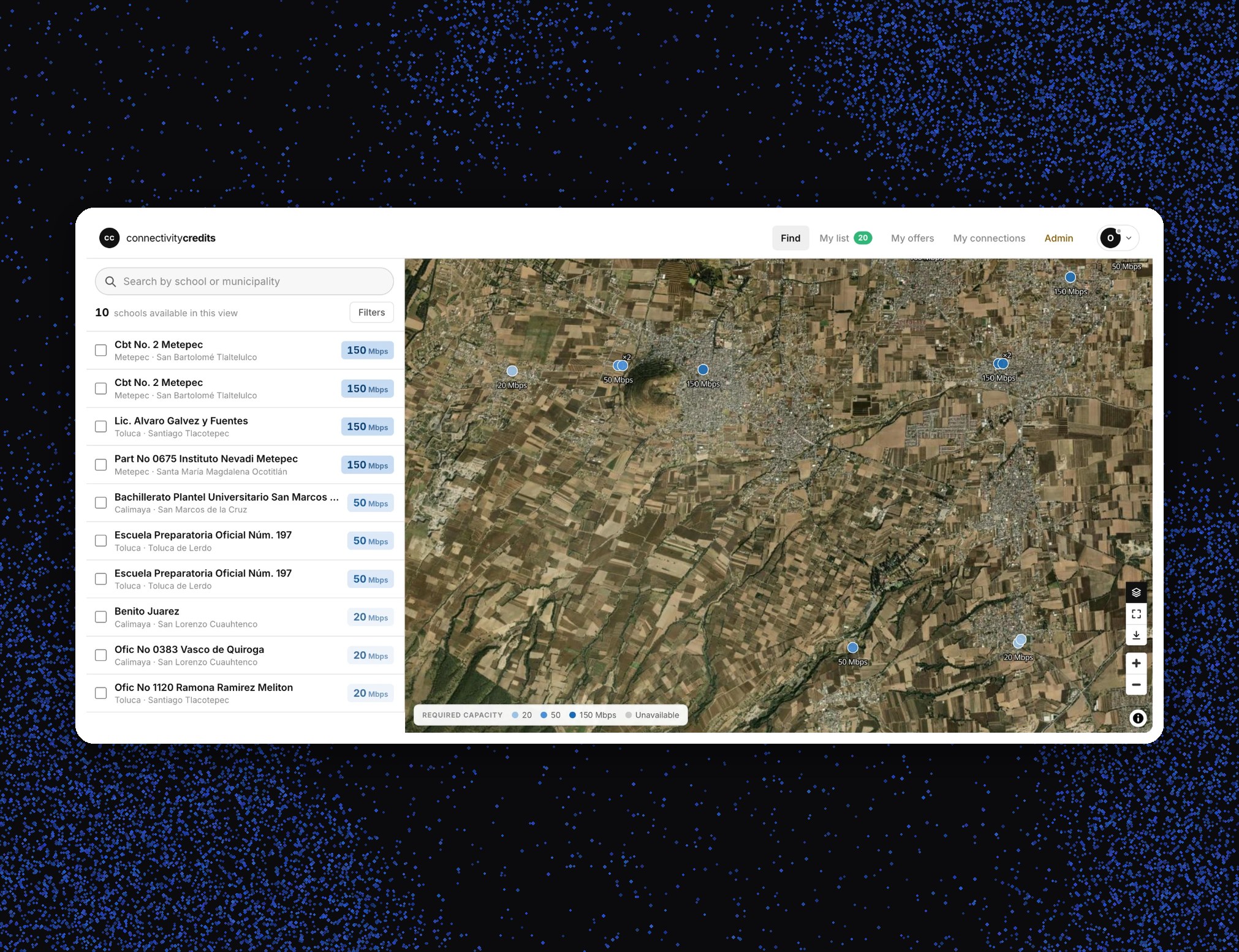
Each school has a service level, set by its number of devices. You see it in the Connectivity Credits app when you choose institutions.
Every month, these four criteria must be met.
of tests at the defined service level speed
uptime during school hours
in 95% of tests
in 95% of intervals
Exceptions: if a school falls slightly short on one requirement but beats the others, the implementing partner reviews the detail and may still accept the month.
Two ways to monitor a school.
Set up monitoring when you install the service. The following tools are accepted by default.
Router-level measurement
The Orb agent runs on the router, or on an in-line router you install. It measures the part of the connection you are responsible for, and doesn't depend on end user computers being switched on.
Tool: Orb
Cost: free, under a UNICEF Orb account the program provides
Install on: an Orb-compatible router
Check router compatibility ↗End-user device measurement
The Giga Meter app, a free, open-source app from UNICEF, runs automatic speed tests on school computers. Readings stop when those computers are off, and you may need to reinstall the app if it stops reporting.
Tool: Giga Meter
Cost: free
Install on: at least 3 student computers (Windows 7 or later)
meter.giga.global ↗Earn incentives as long as you maintain quality connections.
- If connections are good, you keep access to incentives. Simple.
- If connections are below thresholds, you will receive email notifications to review.
- If events outside your control are affecting connections, such as natural disasters, security incidents or a school closing, these are reviewed manually in good faith.
Connectivity Credits are as simple as plugging in. Once you're set up, there's no regular reporting to do.